
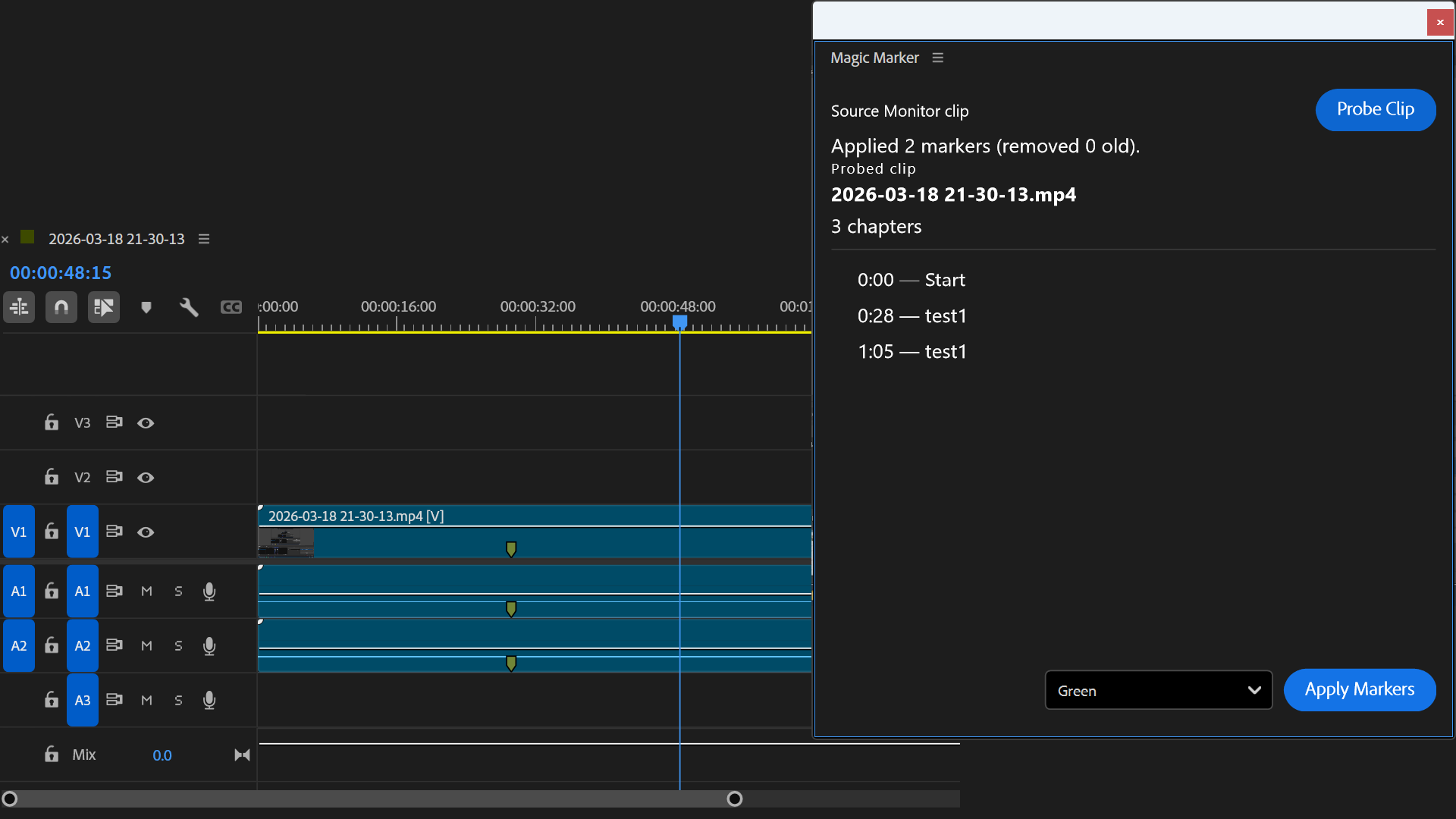
Magic Marker
Version 1.0.0Magic Marker is a plugin for Premiere Pro that automatically extracts chapter markers from OBS Hybrid MP4 files and applies them to your clips. Perfect for streamers and video editors who want to organize their footage with minimal effort.
Features
- Automatically extract chapter markers from OBS Hybrid MP4s
- One-click marker application to clips
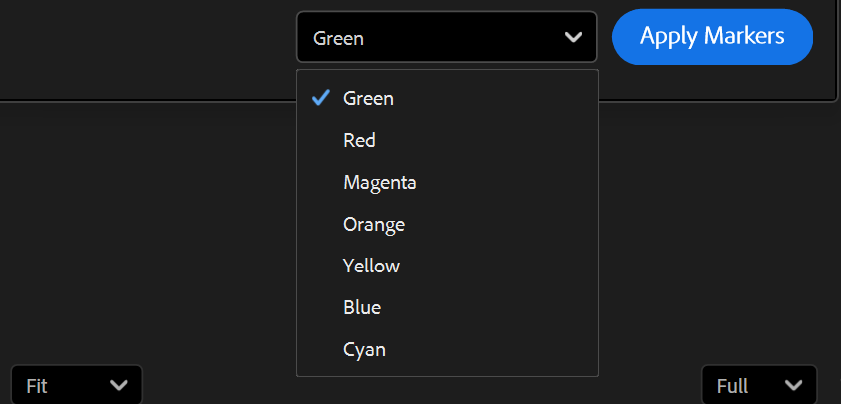
- Choose marker color before applying
- View all detected markers before applying
- Removes old markers to avoid duplicates
- Free and Open Source
How to Use
- 1
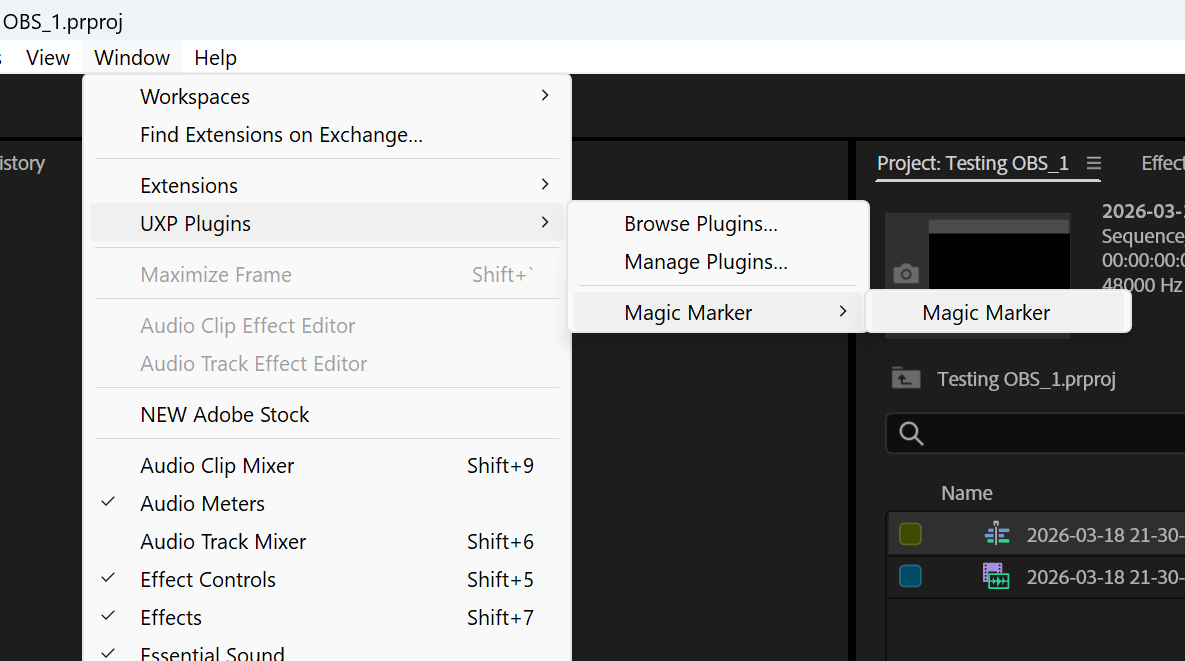
Open Adobe Premiere Pro and navigate to Window > UXP Plugins > Magic Marker to open the panel
- 2
Select your MP4 clip in the Source Monitor
- 3
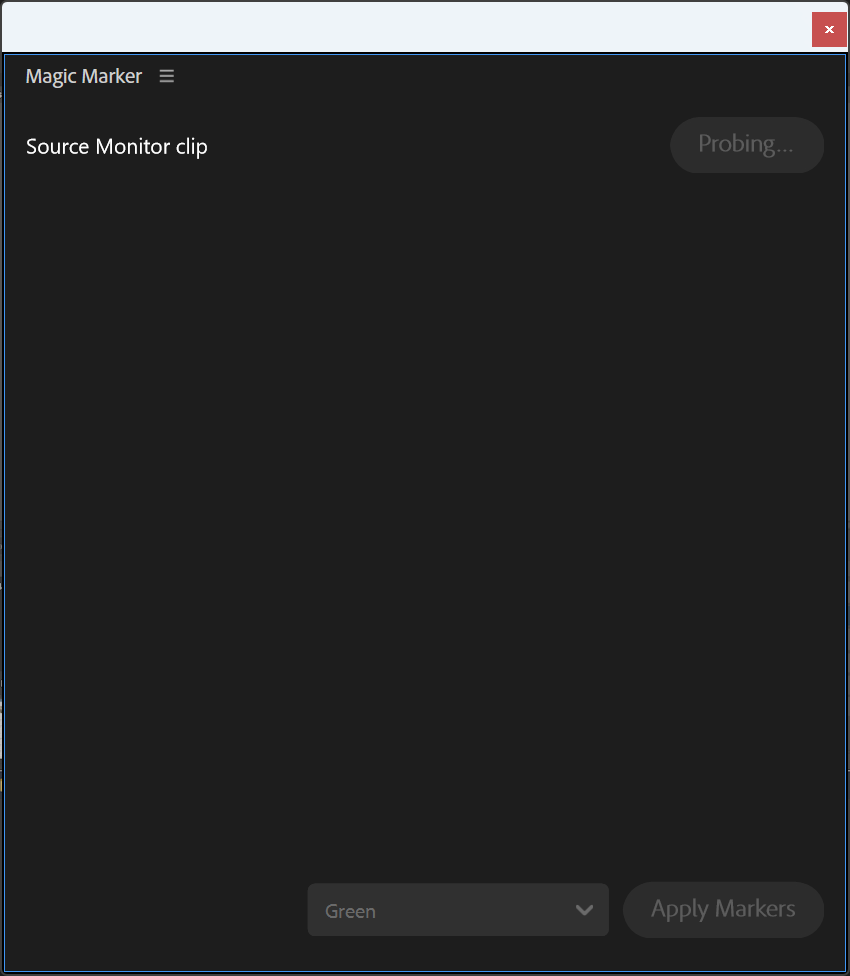
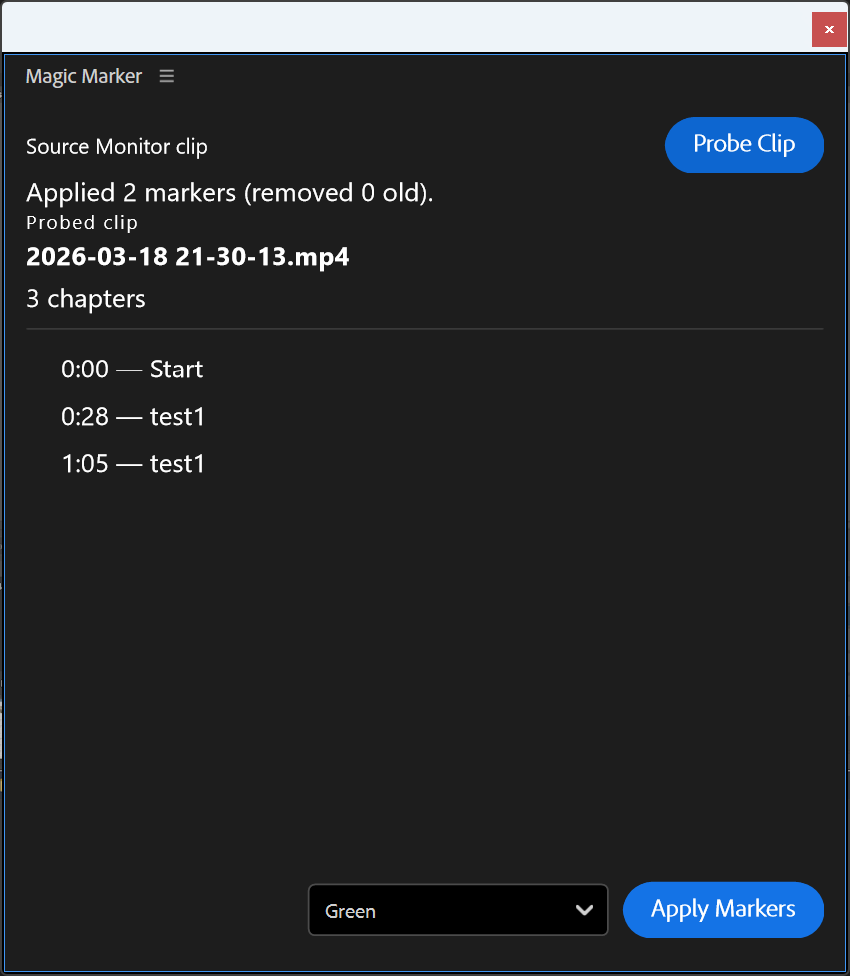
Click the 'Probe Clip' button to extract chapter markers from the file
- 4
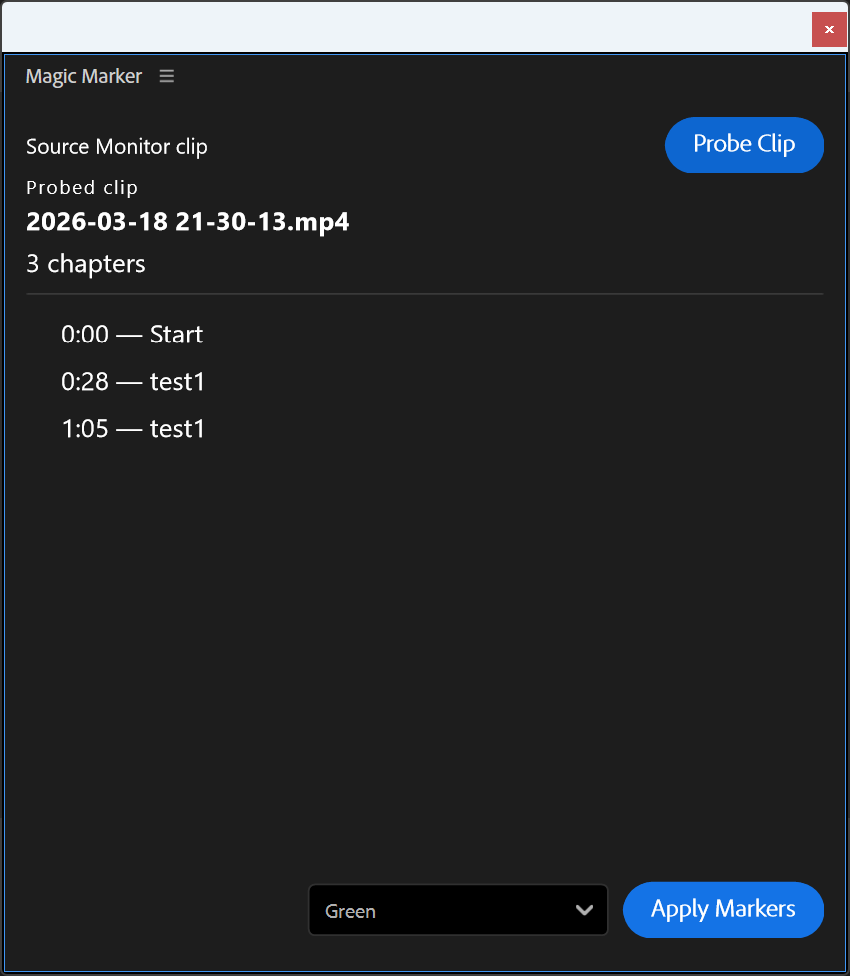
Once probing is complete, you'll see a list of all detected markers with their timecodes
- 5
Choose your desired marker color from the dropdown menu
- 6
Click 'Apply Markers' to add all markers to your clip
- 7
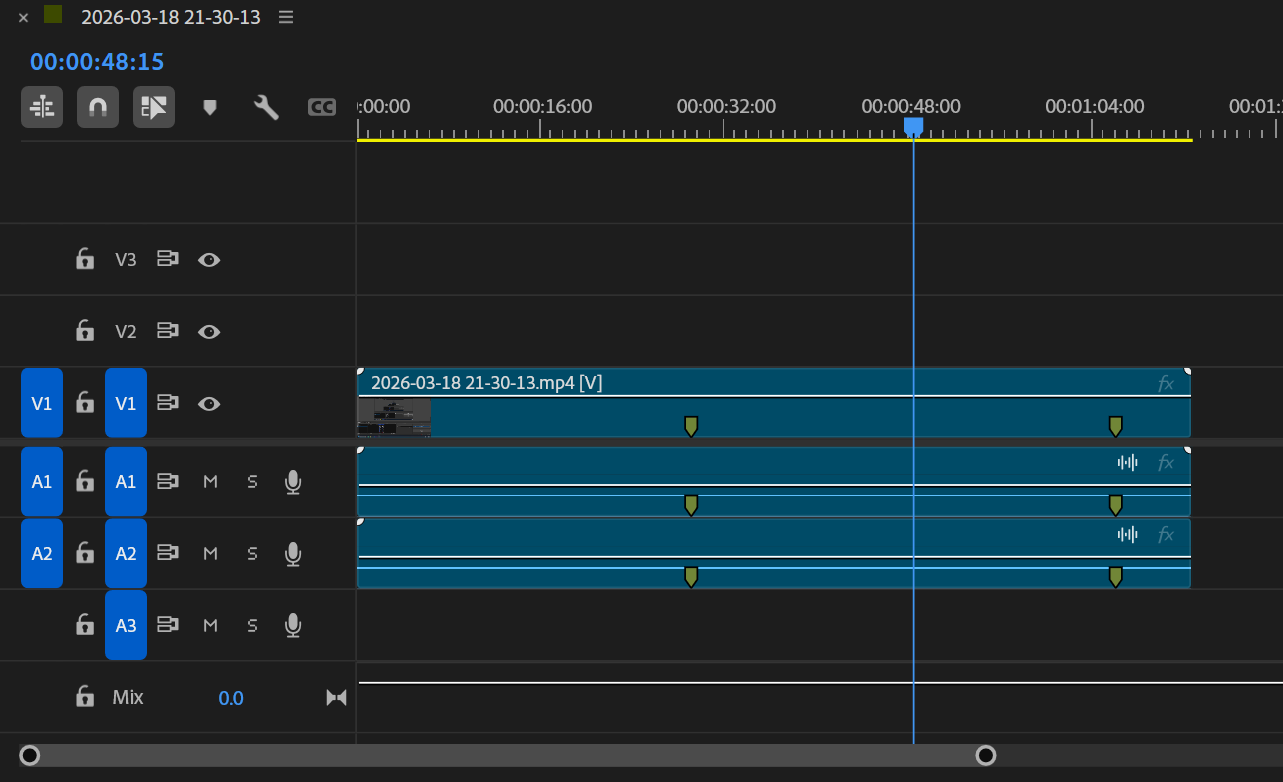
Close the panel and add your clip to the sequence - your markers are now ready for editing
Need Help with Magic Marker?
Having issues or need assistance? We're here to help.
Enjoying Magic Marker?
This plugin is free and open source. Your support helps keep it that way.